
Frequently Asked Questions
Please browse the topics below to find what you are looking for. If you have a question that you can’t find the answer to, please use the Contact Us page.
Ink Jet Printers and All-in-Ones
Please fill out the NDA information form and provide the following information:
Contact Name:
Contact Email address:
Company Name:
Company URL:
EPSON Product Interested in Supporting:
Describe your Project Goal:
Target Systems and Versions (Windows, Android, iOS, etc.):
Embedded hardware device if any (Internet KIOSK or specific smartphone/tablet):
Product Name:
Product Sales Region:
Please contact us from here and provide the following information
Contact Name:
Contact Email address:
Company Name:
Company URL:
EPSON Product Interested in Supporting:
Describe your Project Goal:
Target Systems and Versions (Windows, Android, iOS, etc.):
Embedded hardware device if any (Internet KIOSK or specific smartphone/tablet):
Product Name:
Product Sales Region:
Scanners
Please contact us by providing the following information:
Contact Name:
Contact Email address:
Company Name:
Company URL:
Company address including Country:
Describe your Project Goal:
The subject of your inquiry:
Large Format Printers
If you are already in the EPSON LFP Partner program, please consult with your technical contact. If you are not in the EPSON LFP Partner program, please fill out this form:
Business System Products (Receipt/Dot Matrix/DiscProducer/ColorWorks Printers)
Go to the Business System Products Technical Support website.
-
-
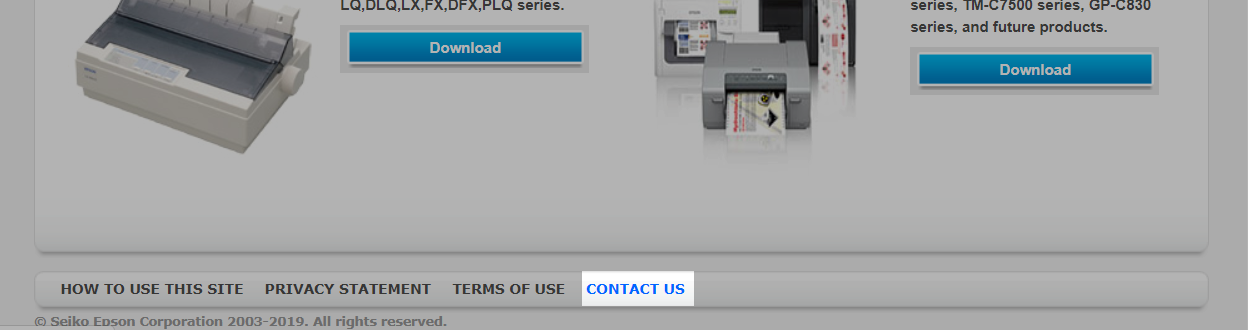
- Select the CONTACT US link as follows.
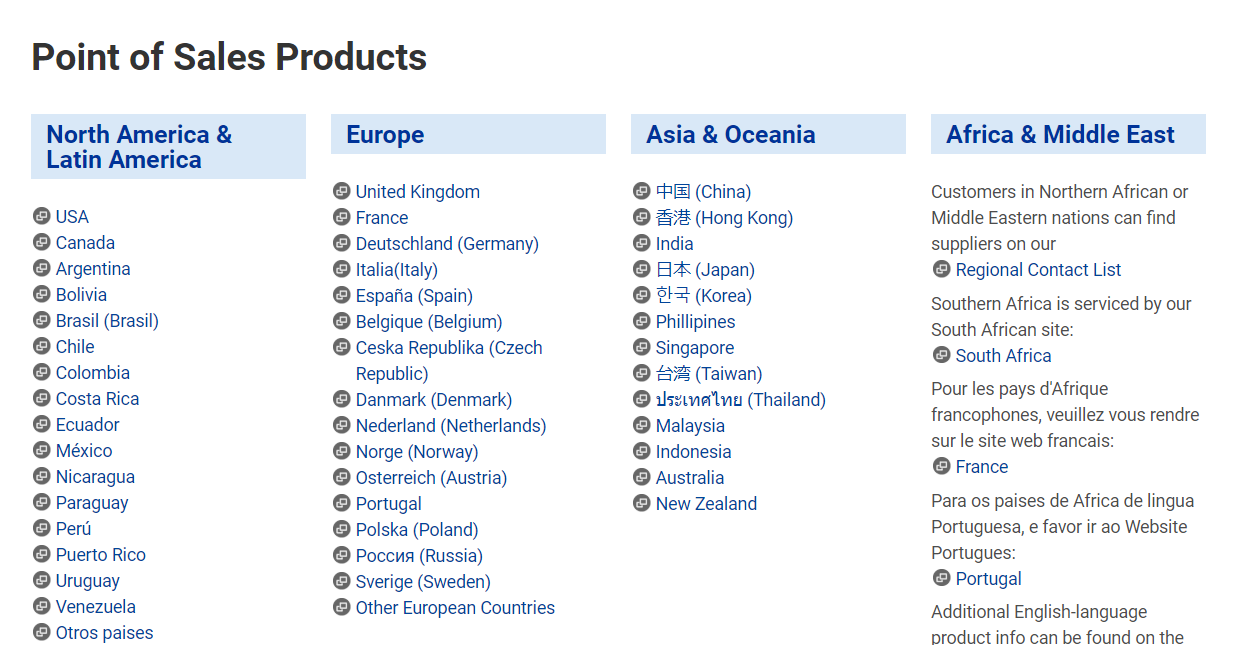
- Select your region
- Select your product
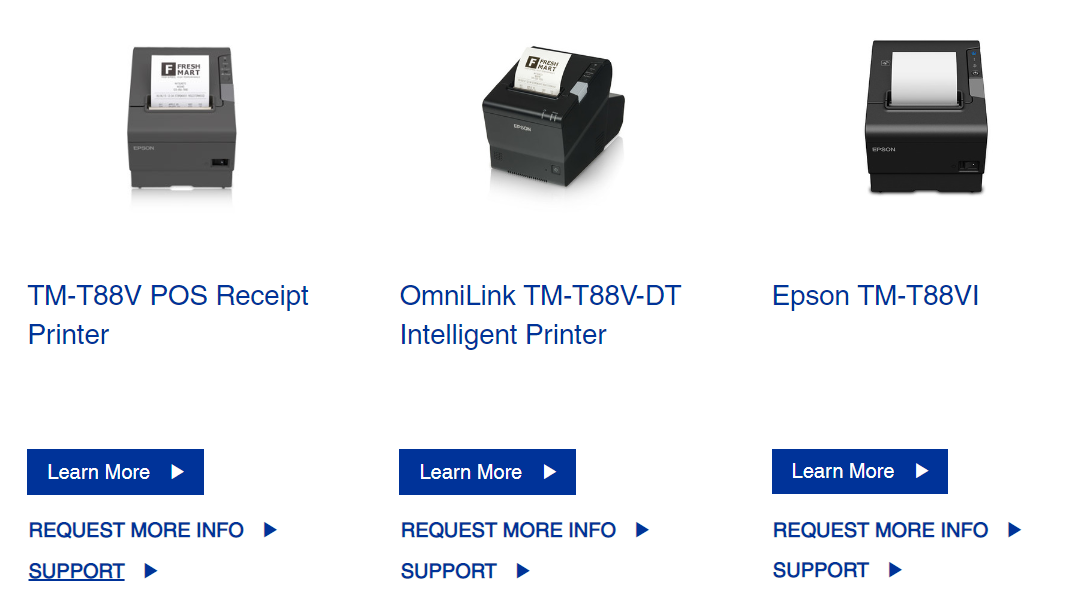
- Select Support
- Select Contact Us
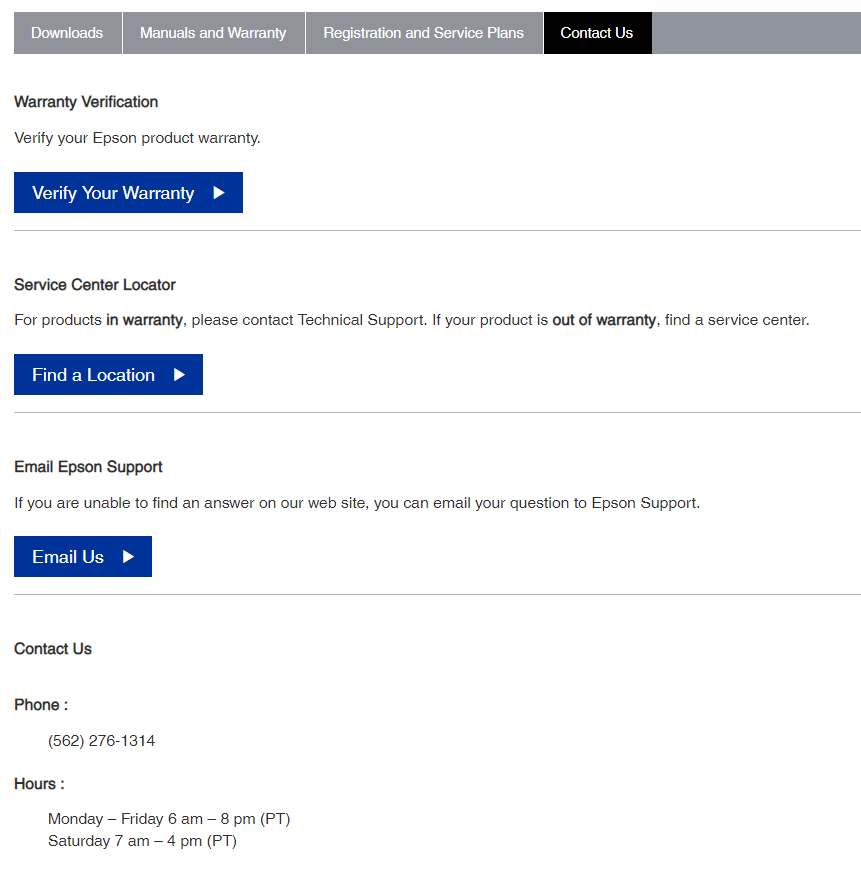
- Select the CONTACT US link as follows.
-
Smart Eye Wear
LabelWorks Printers